


Brand Guide / Point
3.3 PowerPoint Templates
Create impressive visual presentations for our brandOverview
To change the slide layout, go to the HOME menu > select LAYOUT, and you will see a variety of slide design options to choose from > Click on the layout you prefer.

Fonts & Typography
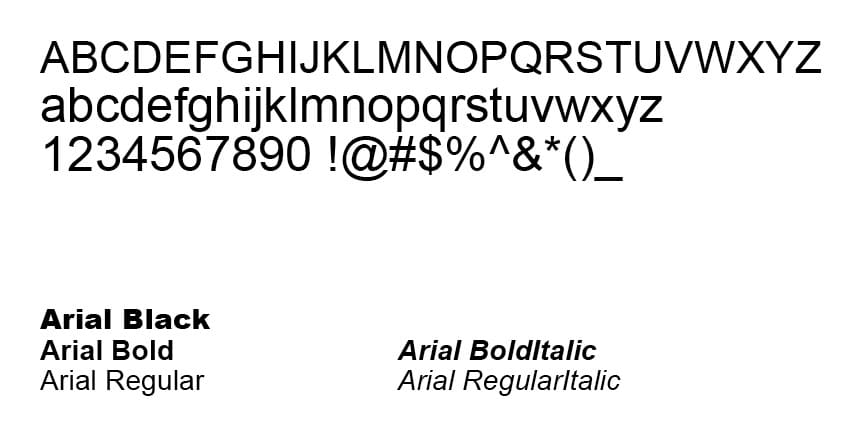
Electronic font: Arial (Regular, Bold, Italic, ItalicBold)
The heading and body copy styles have been pre-formatted in our templates. Do not change or deviate from the primary electronic font for our brand – Arial. For emphasis, differentiation and styling make use of the varieties within the Arial family including Regular, Italic and Bold as well as sizing, i.e. 12pt vs 18pt etc.
TIPS: Keep your slide content to a minimum, use bullet points or short, concise paragraphs wherever possible.
Do NOT mix or add fonts.
Do NOT use a font that is similar to Arial.
Do NOT use Calibri, Times New Roman or Comic Sans.
Slide layout options
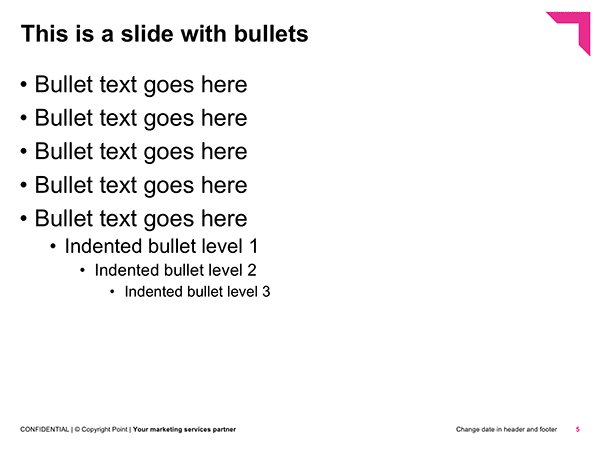
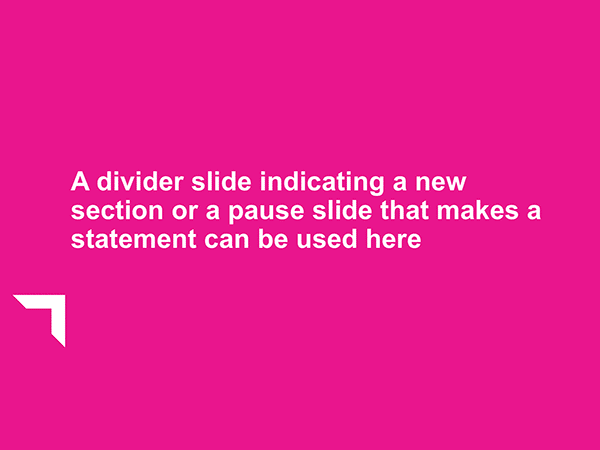
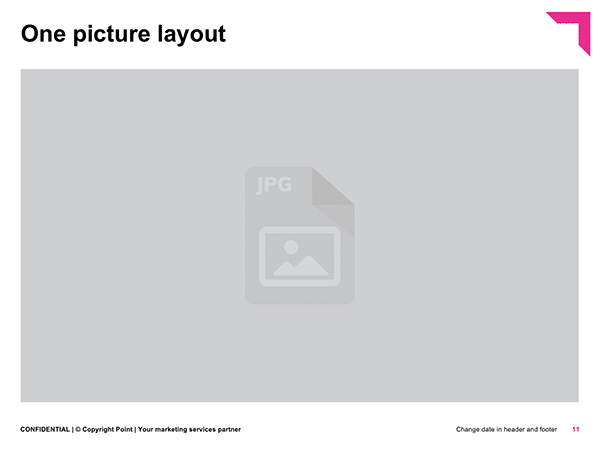
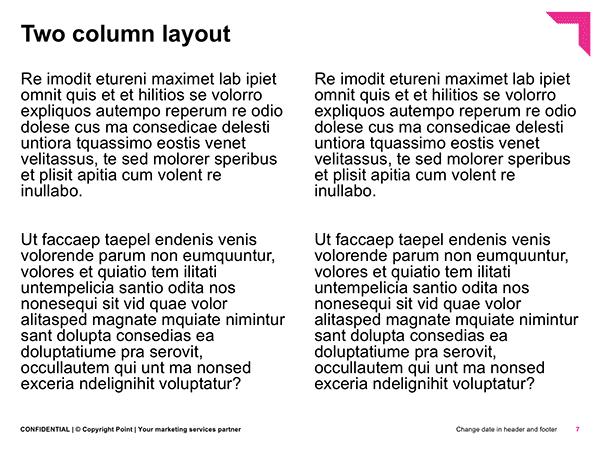
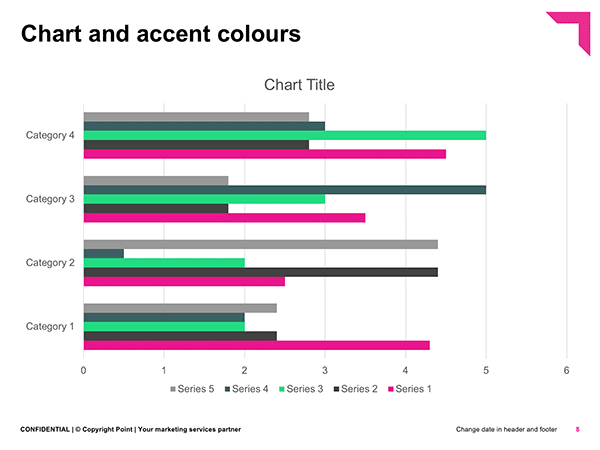
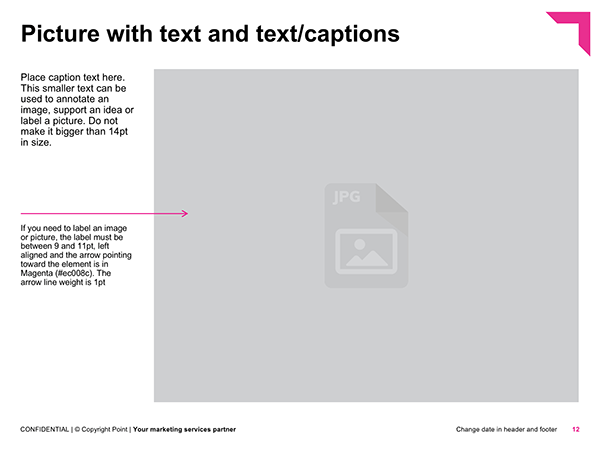
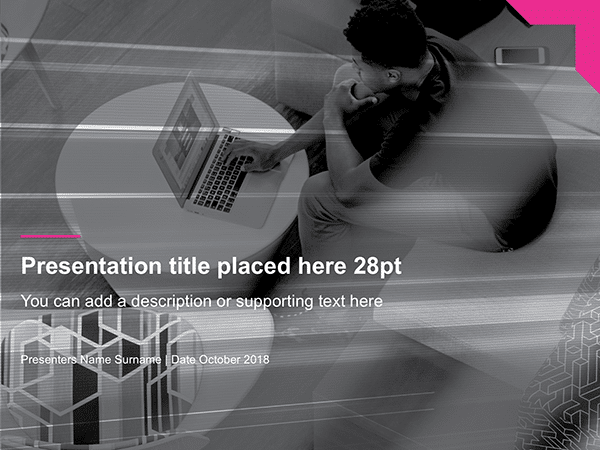
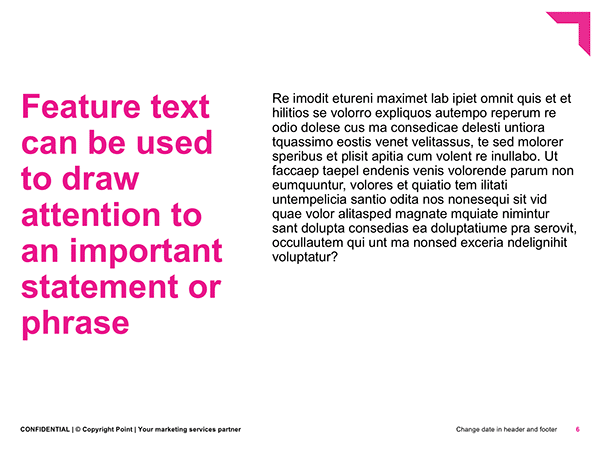
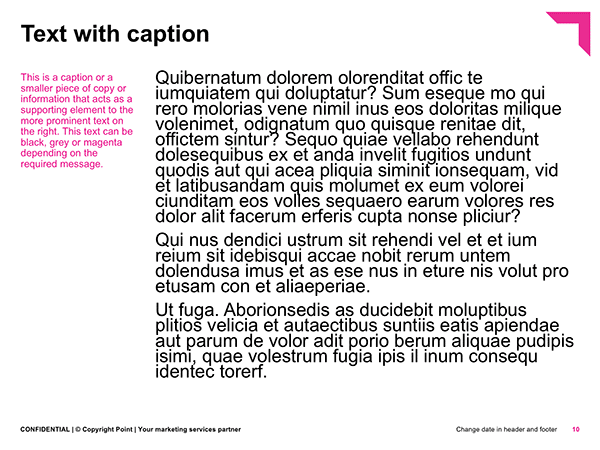
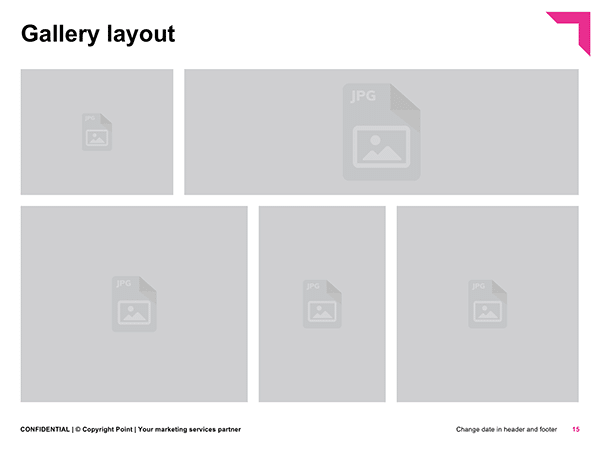
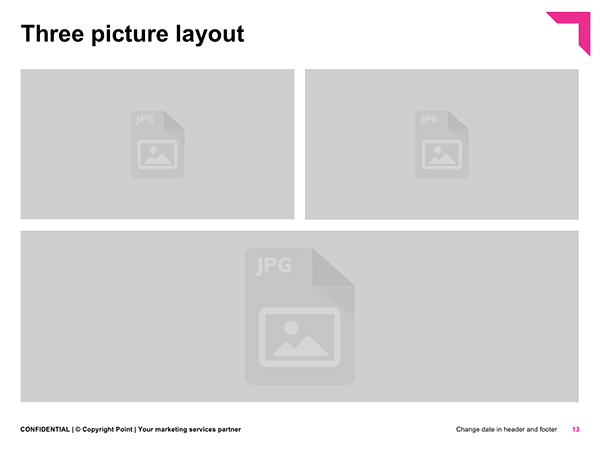
Our PowerPoint templates have been designed to allow for a variety of content layouts and requirements. From bullets to images with text, graphs, tables and divider slides, the PowerPoint templates offer versatility and visual interest. Use them well.
Here are some of the layouts included in the template:


Template / Brand
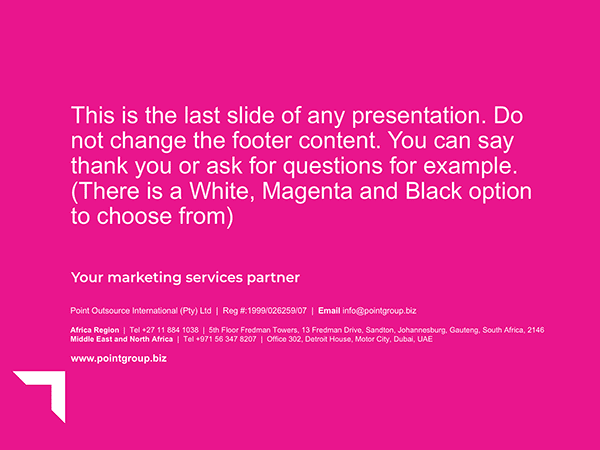
Our brand PowerPoint template can be used for both internal and external communications. Depending on the required message and intended audience, choose from a clean, simple design style or a more impactful image layout combination.
The PowerPoint template contains all the slide variants as seen in this brand guide. Slides shown alongside are for illustrative purposes.
Template / Point Innovation
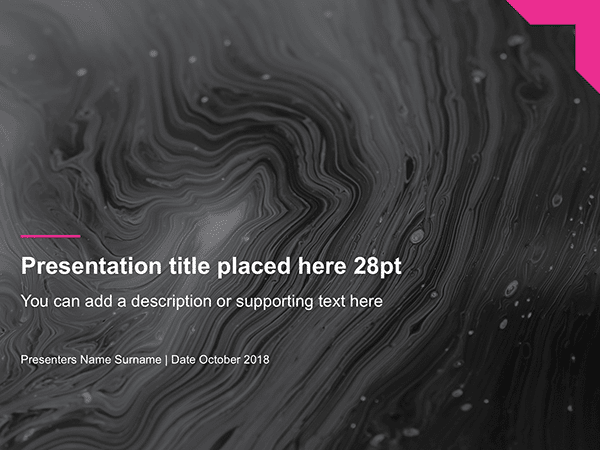
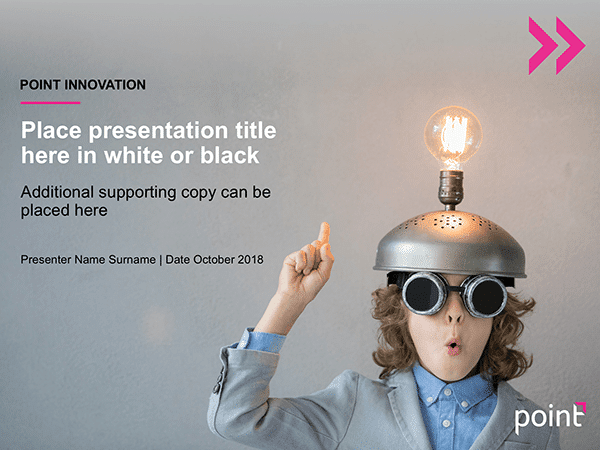
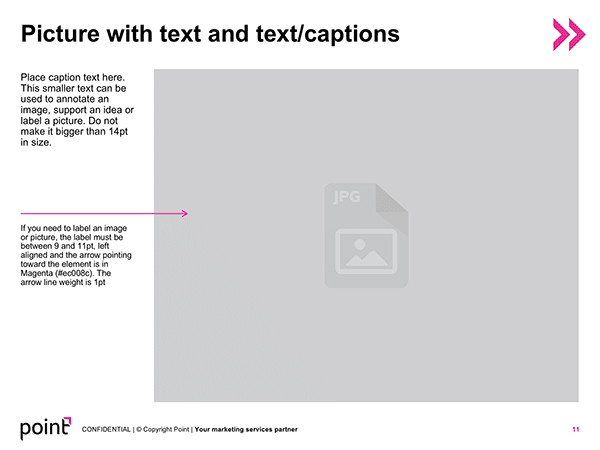
Innovation PowerPoint templates can be used for both internal and external communications relating to Point Forward and our Innovation offering. Depending on the required message and intended audience, choose from a clean, simple design style or a more impactful image layout combination.
The PowerPoint template contains all the slide variants as seen in this brand guide. Slides shown alongside are for illustrative purposes.
Template / POSMAT
Std 4:3 format
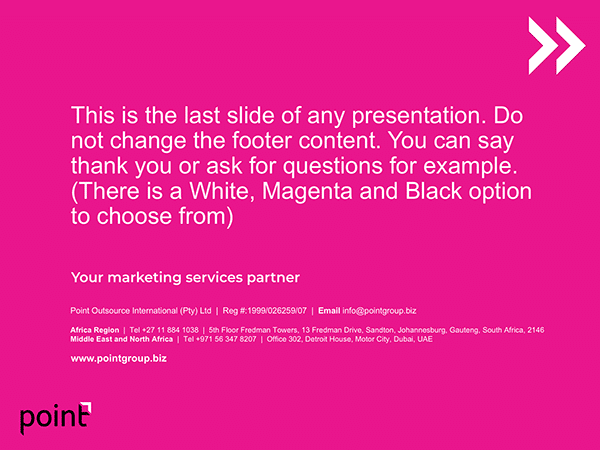
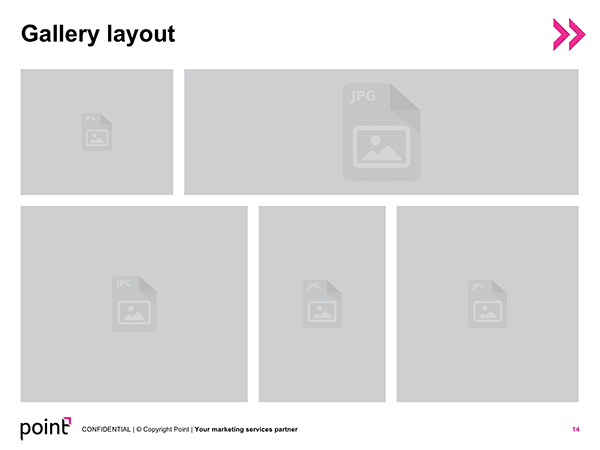
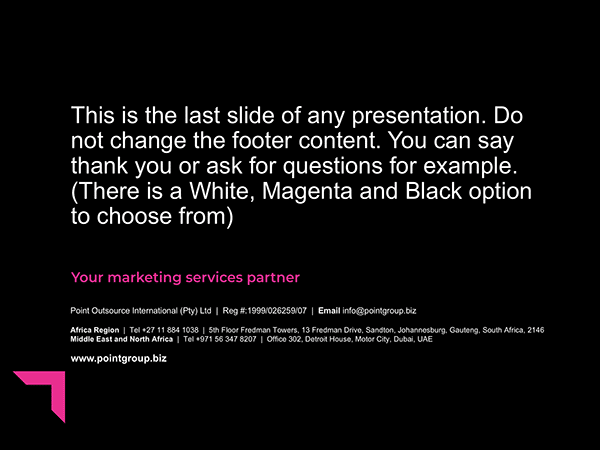
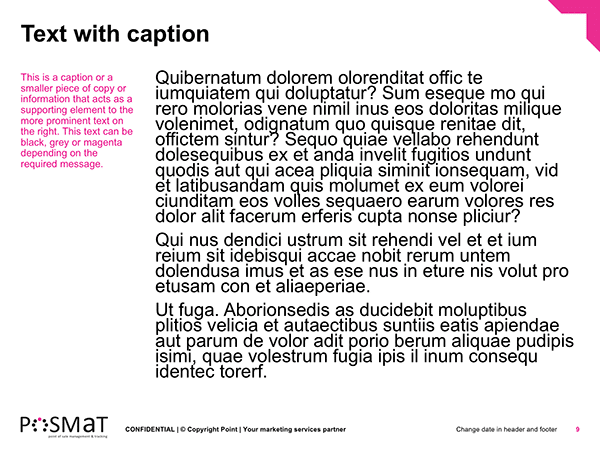
Our POSMAT-specific PowerPoint template may ONLY be used for POSMAT presentations. The design follows our design philosophy and is inline with the other PowerPoint presentation templates for our brand. For visual interest and variety there are a number of cover/title slide designs to choose from.
The PowerPoint template contains all the slide variants as seen in this brand guide. Slides shown alongside are for illustrative purposes.
Wide 16:9 format
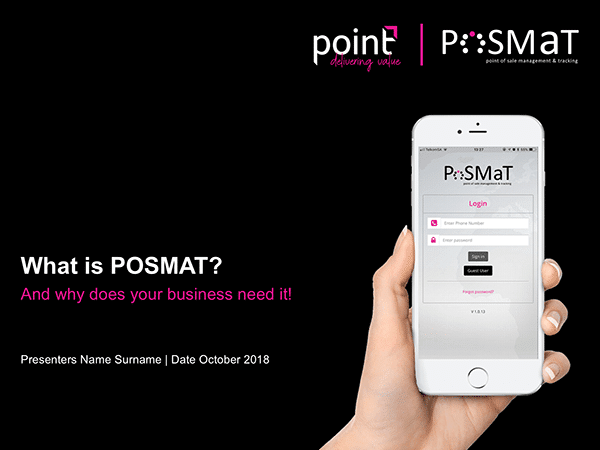
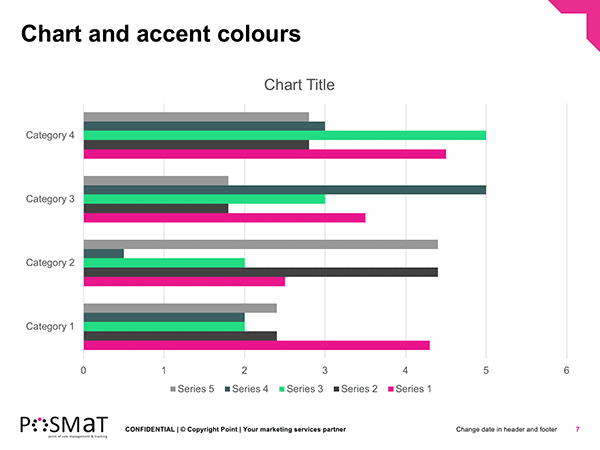
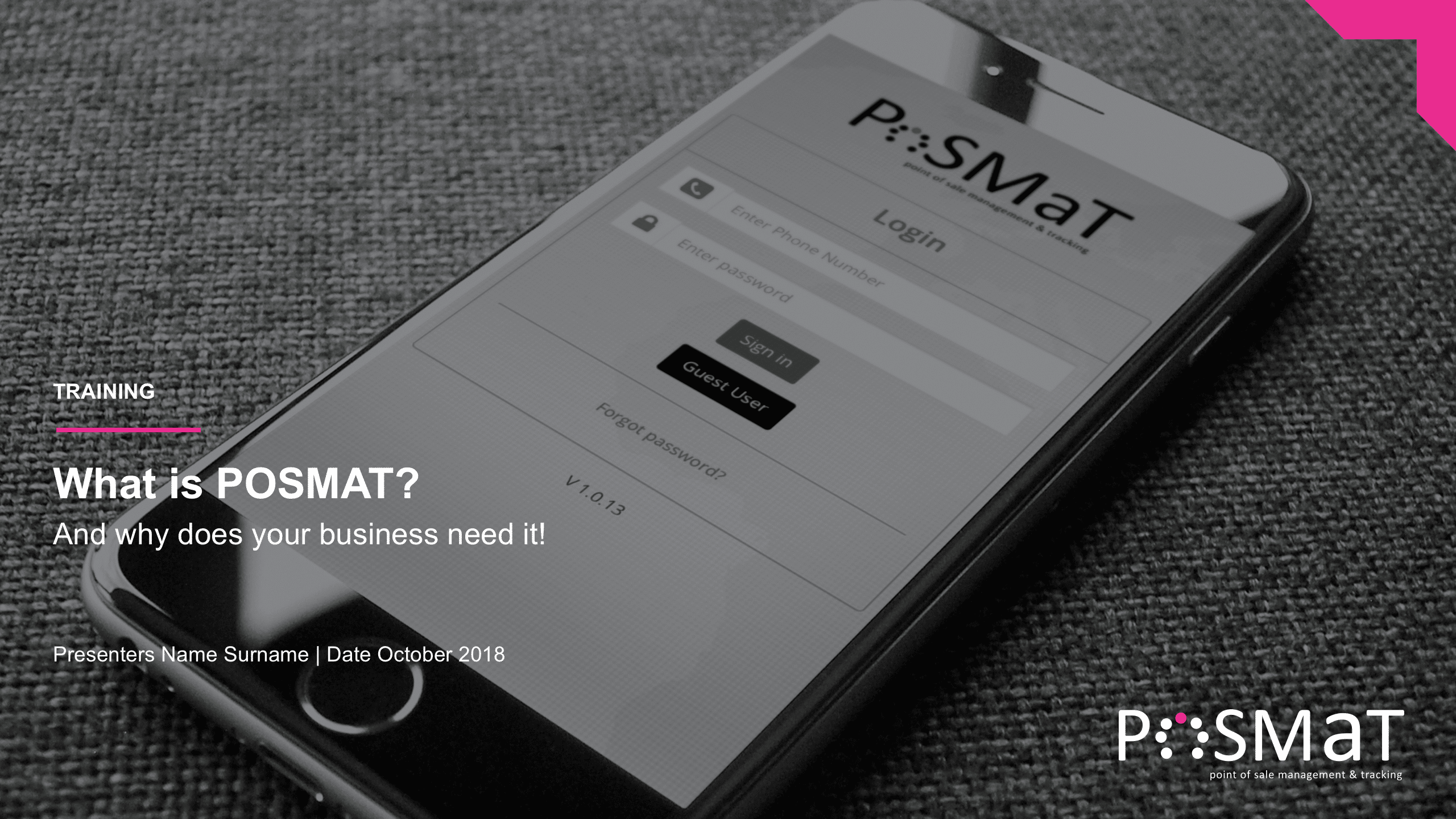
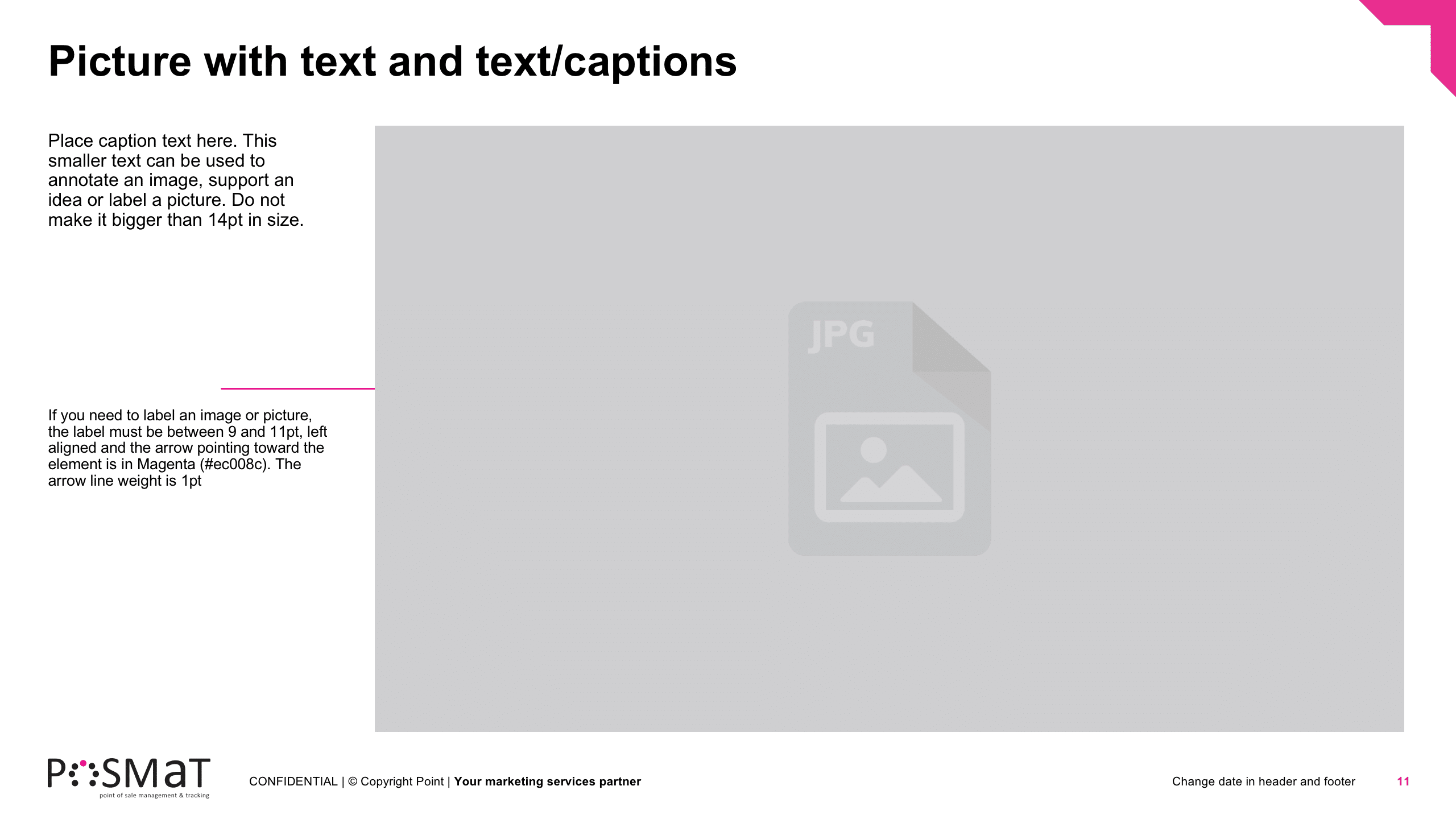
The POSMAT Training PowerPoint template has been created in a wide 16:9 format. This template may ONLY be used for POSMAT training purposes by the POSMAT team.
The PowerPoint template contains all the slide variants as seen in this brand guide. Slides shown alongside are for illustrative purposes.
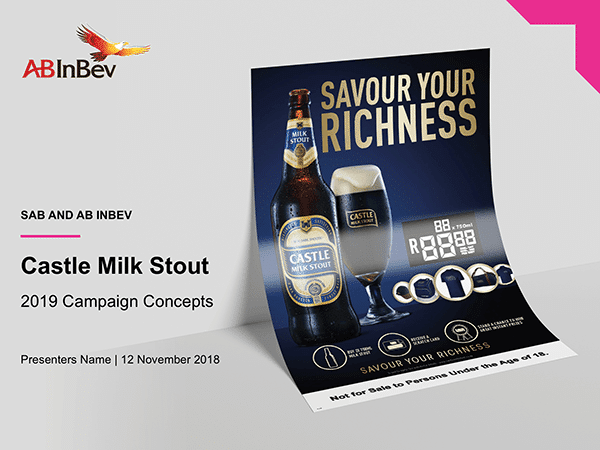
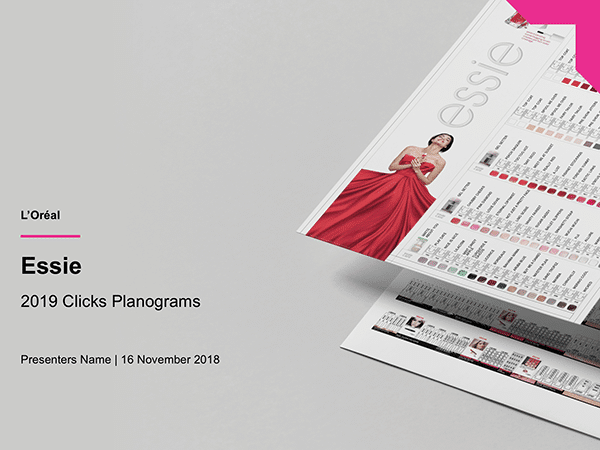
Custom title slide
At times it is necessary to customise the title slide (PowerPoint cover) to be more specific to a client, project or campaign. Our templates allow for this by editing the MASTER slide. To do this:
Select the FORMAT menu > Slide Background. Select picture or texture FILL and choose an image. Ensure the image is 72dpi and at least 1440px wide.
Ensure the title and sub-title text etc on the cover is correctly formatted according to our style. You can change the colour (white, black or magenta) to ensure readability.
Co-branding on a PowerPoint
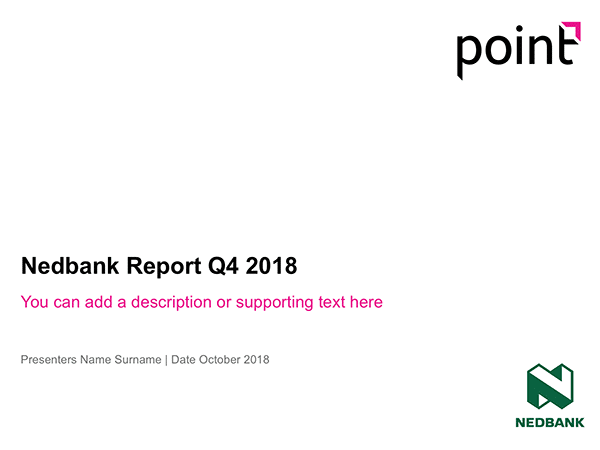
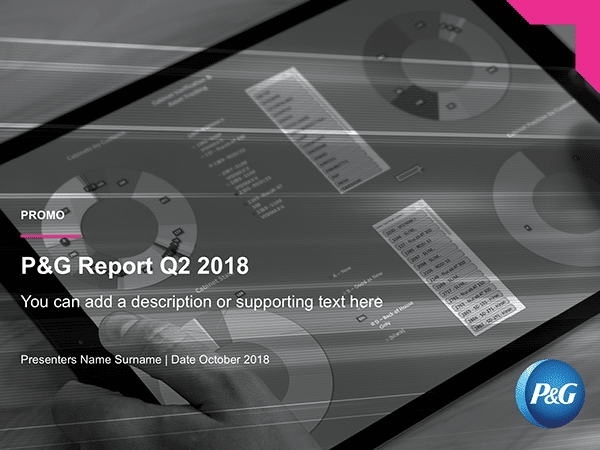
Co-branding on a PowerPoint template is when a client, sponsor or co-partner logo is required to be placed on a slide along with our logo. The fundamental rule to take into account is, our brand is hero. Do not allow the co-brand partners logo to be bigger than ours or placed in an area that is more prominent.
Where possible, insert a logo that has a transparent background (as a .png file) and ensure the logo is placed in an area where it is clearly visible.
Remember our TOP RULE #4: Hold SHIFT down when resizing the logo to ensure the correct proportions are retained and the logo is not stretched too tall or wide.
COMING SOON – Design specific slides
The Design Application and Industrial Design departments have specific slide needs for mock-ups in presentations. We have accommodated for these needs and compiled design specific slides (in PowerPoint & InDesign formats.) These templates contain a gallery of backgrounds and environments on which to lay the artwork.
These slides are for use by the Design and Industrial design departments only.