
Brand Guide / Point
4.3 Social Media
Our brand in a digital environmentOverview
Profile images
Our profile photo not only helps people recognise us, but it means more people are inclined to view or follow us if they can easily identify who we are. It helps portray us as more trustworthy. When our logo or icon appears on Facebook, Linkedin, Twitter, Instagram or any other social media channel, it is imperative that it is displayed properly.
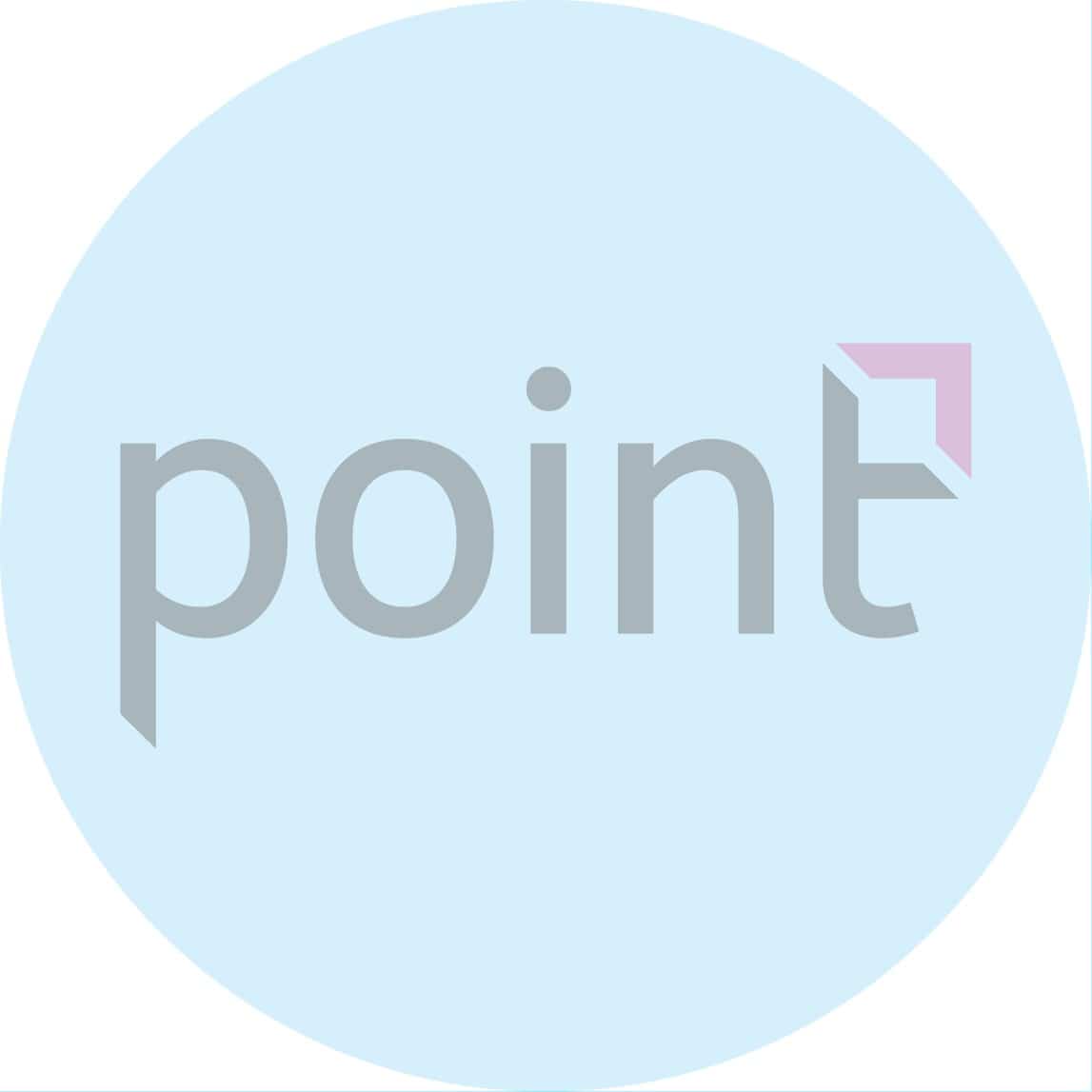
One of the most important factors to take into consideration when creating the logo for social media in particular, if it is set as a circular profile it will affect the crop. What fits into a square may not fit the same in a circle.
Linkedin: 400 X 400 px
Facebook: 180 X 180 px
Twitter: 400 X 400 px
Instagram: 110 X 110 px
Pinterest: 165 X 165 px
Make sure the logo appears properly, is not too pixelated (low-resolution), is not cropped awkwardly or is not too small within the container area.






COVER/BACKGROUND IMAGE
NB: This is for the COMPANY PAGE
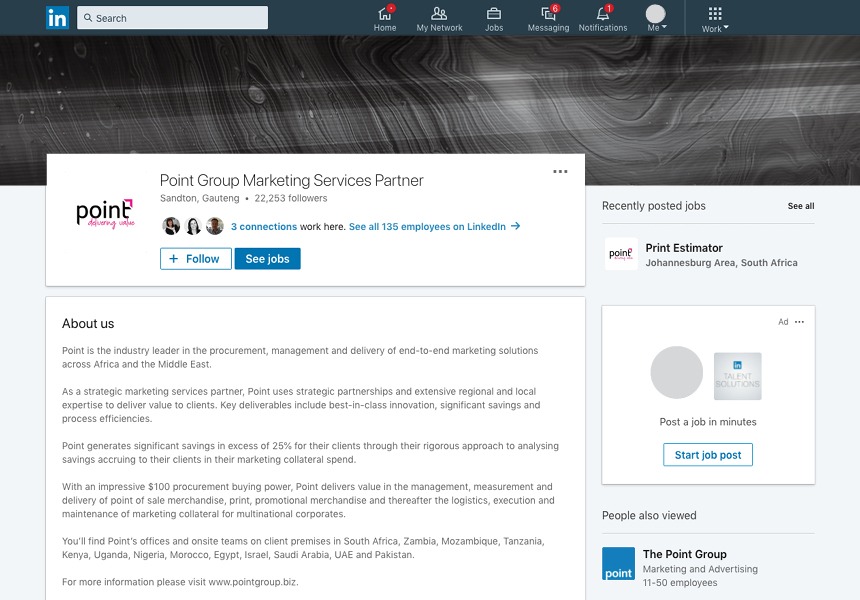
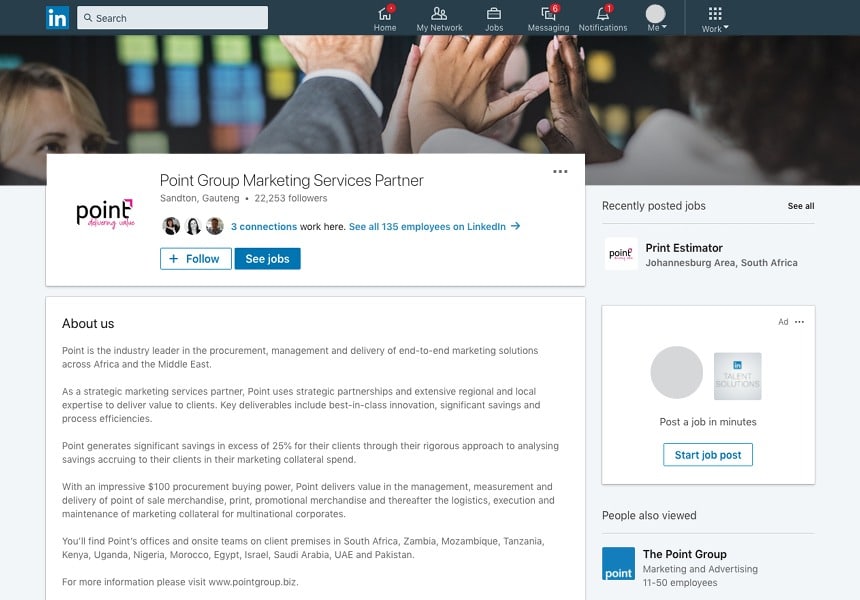
The Linkedin cover image offers an excellent opportunity to brighten up our Linkedin profile page. Linkedin recommends uploading a high-quality image with as little text as possible to ensure an optimal display on all devices and screen sizes. Accepted image formats for uploads are .png or .jpg. Your image may have to be adjusted to fit the screen which may involve trimming the image horizontally or vertically.
Make sure the image you select can be cropped appropriately, i.e heads and faces are not cropped out etc.
– Size: 1536 X 768 px
– Recommended: 1536 X 768 px
– Minimum size: 1192 X 220 px
– Maximum file size: 4MB
– Appears as: 1400 X 425 px
– Format: PNG, JPG or GIF
BUSINESS/CAREER COVER IMAGE
– Size: 974 X 330 px
– Minimum size: 974 X 330 px
– Maximum file size: 2 MB
– Landscape format
– Format: PNG, JPG or GIF
At the top of this page sits a banner that is bigger than any of the other images on LinkedIn. You can use this space to choose a picture that speaks to your company in order to attract some great potential employees.
Send an email to brandguide@pointgroup.biz for information on adding content here.
BUSINESS BANNER IMAGE
– Size: 646 X 220 px
– Minimum size: 646 X 220 px
– Maximum file size: 2 MB
– Landscape format
– PNG, JPG or GIF
Banner images is one of the newest and most prominent of the images that you can use on LinkedIn. This image appears when a user visits your brand’s homepage. Since this image is located on your homepage it’s likely the visitor is actively searching for your brand, so use this opportunity to reel them in with a great image.
Send an email to brandguide@pointgroup.biz for information on adding content here.
COVER PHOTO
– Size: 820 X 310 px
– Appears on page: 820 X 310 px
– Anything less will be stretched
– Minimum size: 399 X 150 px
– Smartphones display: 640 X 360 px
– For best results, upload an RGB/JPG file less than 100 KB
– Images with a logo or text maybe best as a PNG file
Send an email to brandguide@pointgroup.biz for information on adding content here.
SHARED IMAGE
– Size: 1200 X 630 px
You can engage your friends or business followers in meaningful conversations by sharing useful images on your Facebook timeline. These will appear in the news feeds of your friends and followers.
Send an email to brandguide@pointgroup.biz for information on adding content here.
SHARED LINK
– Size: 1200 X 627 px
– Recommended size: 1200 X 627 px
– Square Photo – Minimum 154 X 154 px in feed
– Square Photo – Minimum 116 X 116 px on page
– Rectangular Photo – Minimum 470 X 246 px in feed
– Rectangular Photo – Minimum 484 X 252 px on page
Facebook will scale photos under the minimum dimensions. For better results, increase image resolution at the same scale as the minimum size.
Send an email to brandguide@pointgroup.biz for information on adding content here.
EVENT IMAGE
– Size: 1920 X 1080 px
– Scaled down to minimum dimensions: 470 X 174 px
– Shows in feed: 470 X 174 px
Send an email to brandguide@pointgroup.biz for information on adding content here.
HIGHLIGHTED IMAGE
– Size: 1200 X 717 px
– Will appear on page: 843 X 504 px
– Choose a higher resolution at that scale for better quality
Send an email to brandguide@pointgroup.biz for information on adding content here.
HEADER PHOTO
– Size: 1500 X 500 px (a maximum 10 MB file size)
You can use an eye-catchy, creative image for your high-resolution header photo on your Twitter profile page. As a business, your Twitter page header photo should be in sync with your logo, tagline and brand.
Send an email to brandguide@pointgroup.biz for information on adding content here.
IN-STREAM PHOTO
– Size: 440 X 220 px (a maximum 5 MB file size for photos and 3 MB file size for animated GIFs)
You can post up to four pictures along with your tweets on this platform. For every in-stream picture, an image link is created which takes up the Twitter character space. You simply need to maintain the 2:1 ratio of the images which can be reduced to a smaller version to effectively fit your follower’s stream.
Send an email to brandguide@pointgroup.biz for information on adding content here.
PHOTO SIZE
– Photo size: 1080 X 1080 px
– Thumbnails: 161 X 161 px
For all types of Instagram images, you need to maintain an aspect ratio of 1:1. So, all your images will appear in square dimensions. You need to take special care with the image quality because limited text content is shared on this platform. It is more about the pictures and visuals!
Send an email to brandguide@pointgroup.biz for information on adding content here.
VIDEO STORIES
– Size: 750 X 1334 px
On Instagram, you can upload a video to your timeline or share it to Instagram stories. The correct size to use will be determined by where you publish it. The maximum duration of the video should be 10 seconds.
Send an email to brandguide@pointgroup.biz for information on adding content here.
BOARD DISPLAY IMAGE
– Size: 222 X 150 px
Use eye-catchy images for posting on the relevant Pinterest boards.
Send an email to brandguide@pointgroup.biz for information on adding content here.
PIN SIZES
– Size: width of 238 pixels (with scaled height)
Though these are the dimensions for Pinterest pins, expanded pins will have a minimum width of 600 pixels. You can post larger images (as only the width is fixed, while the length can be scaled further up) for better engagement and more re-pins or likes.
Send an email to brandguide@pointgroup.biz for information on adding content here.
YouTube
CHANNEL COVER PICTURE
– Size: 2560 X 1440 px (for desktop), 1855 X 423 px (for tablets), 1546 X 423 px (for smartphones) and 2560 X 1440 px (for TV)
The sizes are optimised for the different platforms as YouTube videos are often streamed using any of the above mentioned platforms. Also, the video channel cover image should tell your viewers more about the kind of videos that they will probably be able to view on your channel.
Send an email to brandguide@pointgroup.biz for information on adding content here.
VIDEO UPLOADS
– Size: 1280 X 760 px
YouTube is a video sharing site and not an image sharing one. So, you need to maintain the 16:9 aspect ratio (resolution) for the videos that are uploaded.